Webxterm Documentation
This is the free Community Edition — a minimal, self-hosted way to reach your machines from a browser. For team management (RBAC), audit logs, session recording, OIDC/OAuth2 Login, Keycloak Authentication, and Multi-tenancy, switch to the Enterprise Edition.
WebXTerm Community Edition lets you securely connect to your own machines from a browser — no SSH client, no SSH keys, no VPN. Install the lightweight vsay-agent on a machine, log in, and it shows up ready to connect. That's the whole workflow.
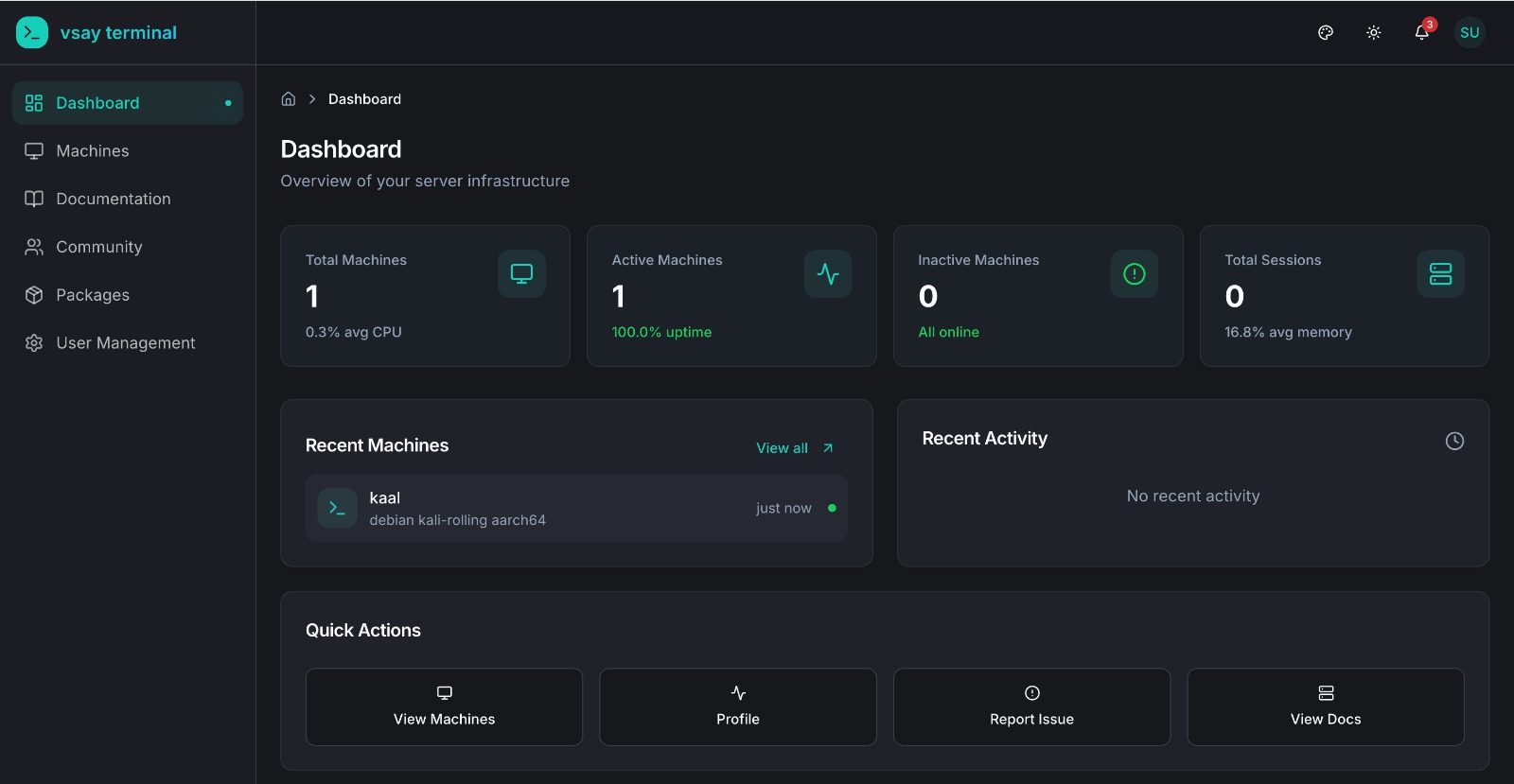
What's in the Community Edition
Community is intentionally minimal — it covers the core access loop and nothing more:
| Feature | Status | Description |
|---|---|---|
| Sign up / Login | ✅ | Built-in JWT authentication (email + password) |
| Add a Machine | ✅ | Install vsay-agent, register it with your API key |
| Web Terminal | ✅ | Browser-based terminal access powered by xterm.js |
| Command History | ✅ | See the commands you've run per machine |
| Secure Agent Tunnel | ✅ | Outbound-only connection over TLS — no inbound ports needed |
| WebXTerm Shell CLI / VSCode Extension | ✅ | Connect to the same machines from the CLI or your editor |
| API Access | ✅ | REST API for machines and command history |
| Session Recording | ❌ | Enterprise only |
| Audit Logs | ❌ | Enterprise only |
| Team Collaboration (RBAC / user management) | ❌ | Enterprise only — Community is single-user, one account per deployment |
| Real-time Monitoring | ❌ | Enterprise only |
| Multi-tenancy | ❌ | Enterprise only |
What Makes Us Different?
Unlike traditional remote-access tools, WebXTerm uses an agent-based architecture — install a lightweight agent on any machine and it connects outbound to the backend. No open ports, no SSH key management, no bastion hosts. Access your machines from anywhere through:
| Access Method | Description |
|---|---|
| Web Terminal | Browser-based terminal access with full terminal capabilities |
| WebXTerm VSCode Extension | Manage and connect to machines directly from your IDE |
| WebXTerm Shell CLI | Command-line tool for terminal access and machine management |
The Core Workflow
- Sign up / log in — Community uses its own built-in JWT authentication (email + password, bcrypt-hashed).
- Add a machine — copy your API key from your Profile page, install
vsay-agenton the machine, and runconfigure. It appears in your Machines list within seconds. - Use it — click Connect and you get a live terminal in the browser (or connect the same machine from the Shell CLI or VSCode extension).
- Check command history — each machine keeps a simple log of the commands you've run on it, so you can look back at what happened.
There's no team setup, no roles to configure, and no audit dashboard — it's a single account managing its own machines.
Authentication — Built-in JWT
WebXTerm Community Edition uses its own JWT-based authentication. When you sign up or log in with email and password, credentials are hashed with bcrypt and stored in MongoDB. The backend issues a signed JWT (HS256) that is used for all API calls — no external identity provider required.
Enterprise-Only Features
If you need more than the core access loop, the Enterprise Edition adds:
- Team Collaboration (RBAC): Multi-user organizations with Super Admin / Company Admin / User roles and per-machine sudo/non-sudo grants.
- Audit Logs: Full activity history — logins, admin actions, and command events — with filtering and search.
- Session Recording: Full terminal I/O playback, not just a command list.
- Real-time Monitoring: Live CPU/memory/disk stats from agent heartbeats.
- Keycloak Authentication & OIDC/OAuth2 Login: Sign in with Microsoft, GitHub, Okta, Azure AD.
- Multi-tenancy: Multiple isolated organizations from a single deployment.
See the Enterprise Edition documentation for details.
Quick Links
- Getting Started - Install the agent and connect to your first machine
- How It Works - The full connect-and-run flow, step by step
API Reference
- API Overview - Complete API documentation
External Links
| Resource | URL |
|---|---|
| Website | webxterm.me |
| Community & Support | community.webxterm.me |
| Documentation | docs.webxterm.me |
Products & Clients
| Product | Description |
|---|---|
| WebXTerm Shell CLI | Go CLI tool — vsay-shell-cli connect <machine> |
| WebXTerm VSCode Extension | Integrated IDE terminal, file browser, and port forwarding |
| WebXTerm Agent | Lightweight daemon installed on machines — the core of the system |